
With udyogX you can easily restore an online test. To do this first log in to the software entering your username and password.
Video Guide #
Stepwise Guide #
- In the left sidebar menu, go to ‘Test > View List’.
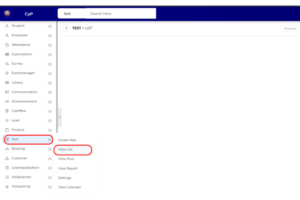
- Alternatively you can also search online test in the searchbar at the top.
- Select Status from upper right corner as “Deleted”.
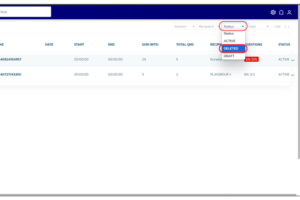
- In the list that appears, find the Online Test, and hover on the filter arrow located next to it.
- A dropdown menu will appear, click on ‘Restore’.
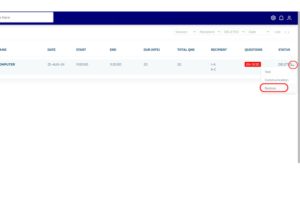
- The online test will be restore and start appearing in list.
Alternatively you can also do a search and follow the same steps on the search results that appear.


